
Octelium documentation · Latest
Desktop App
Octelium Desktop is currently in early access. As of v0.4.0, the release binaries are not signed with platform code signing certificates. Your operating system may display a security prompt during installation or first launch.
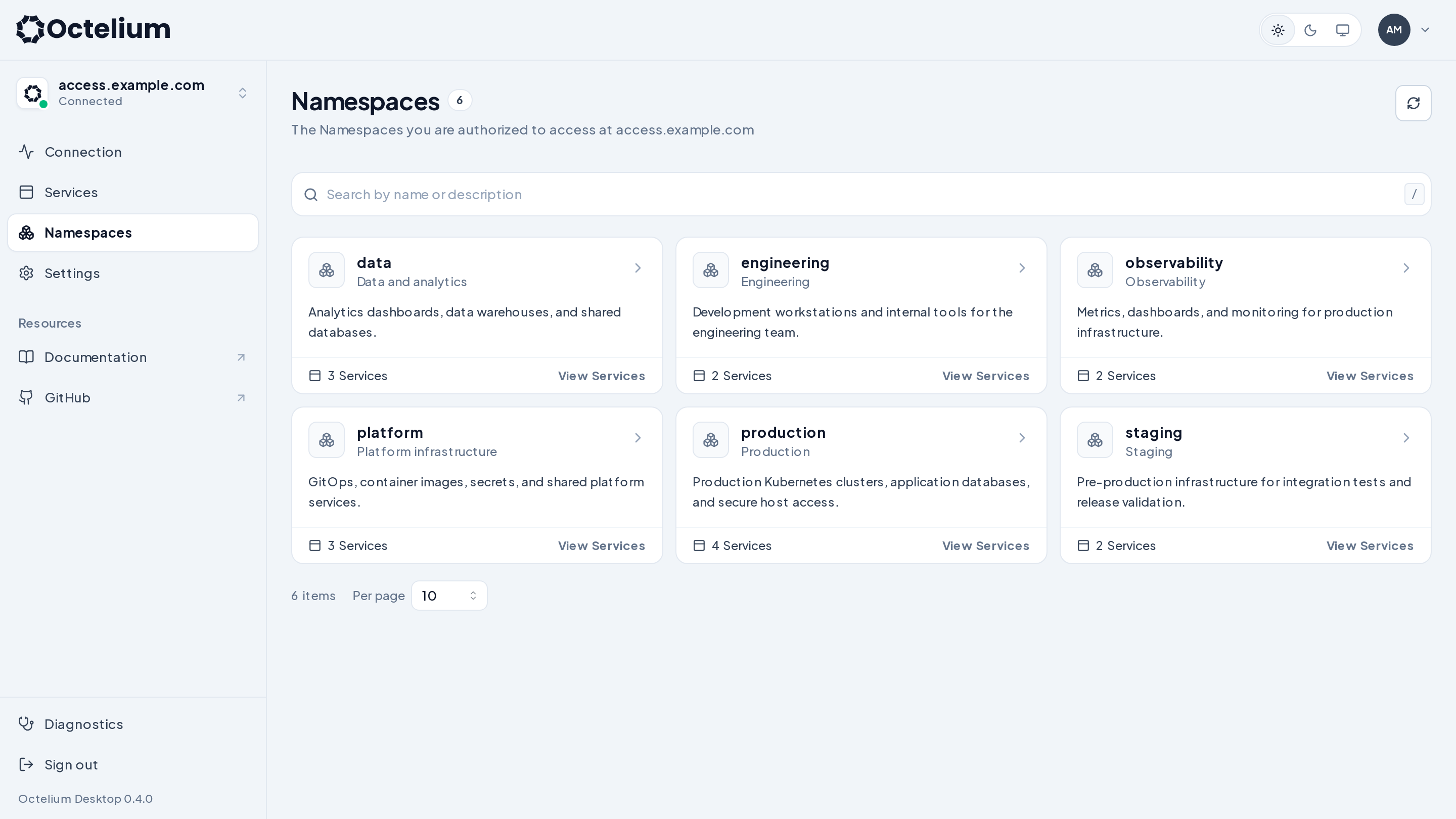
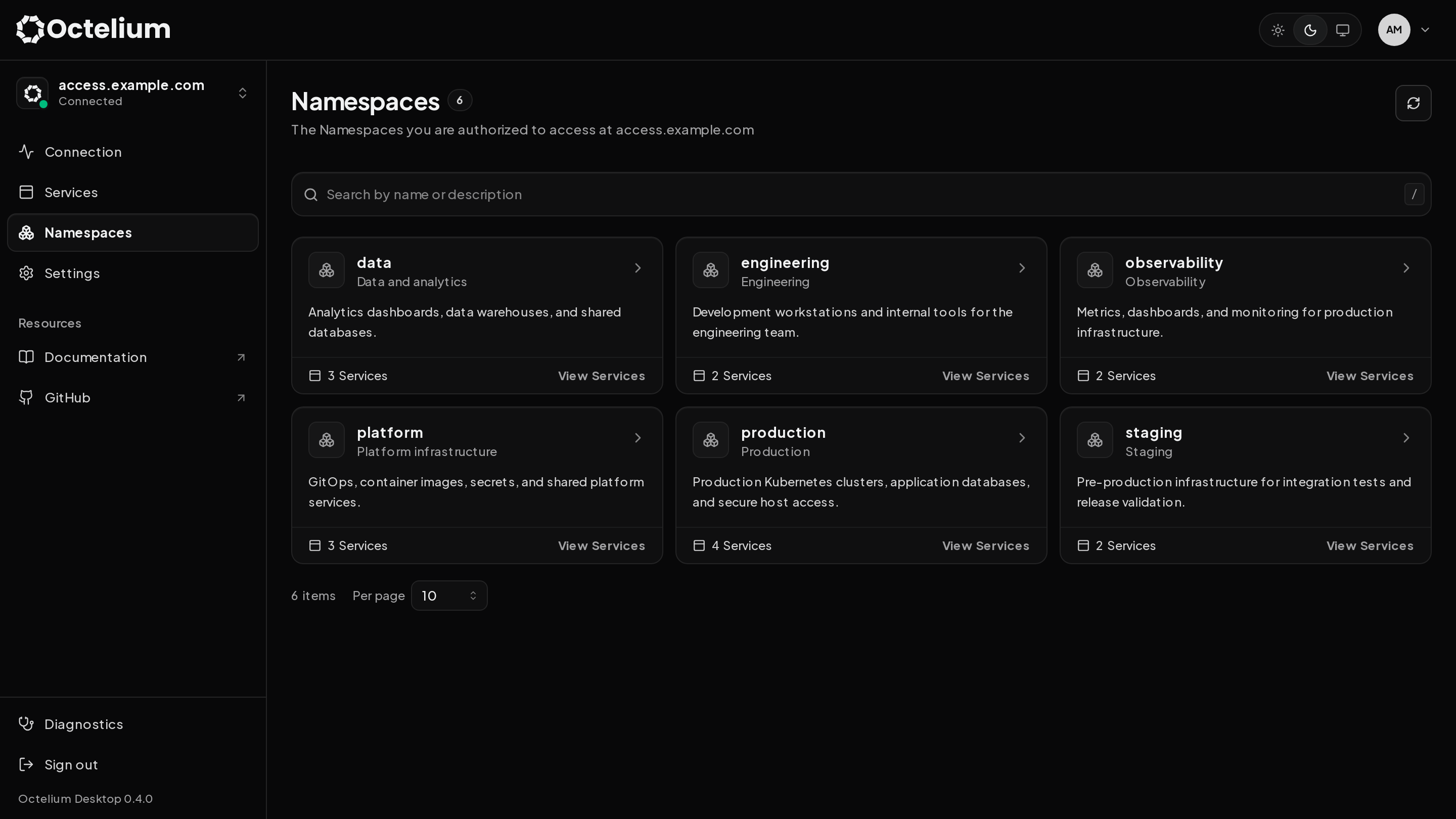
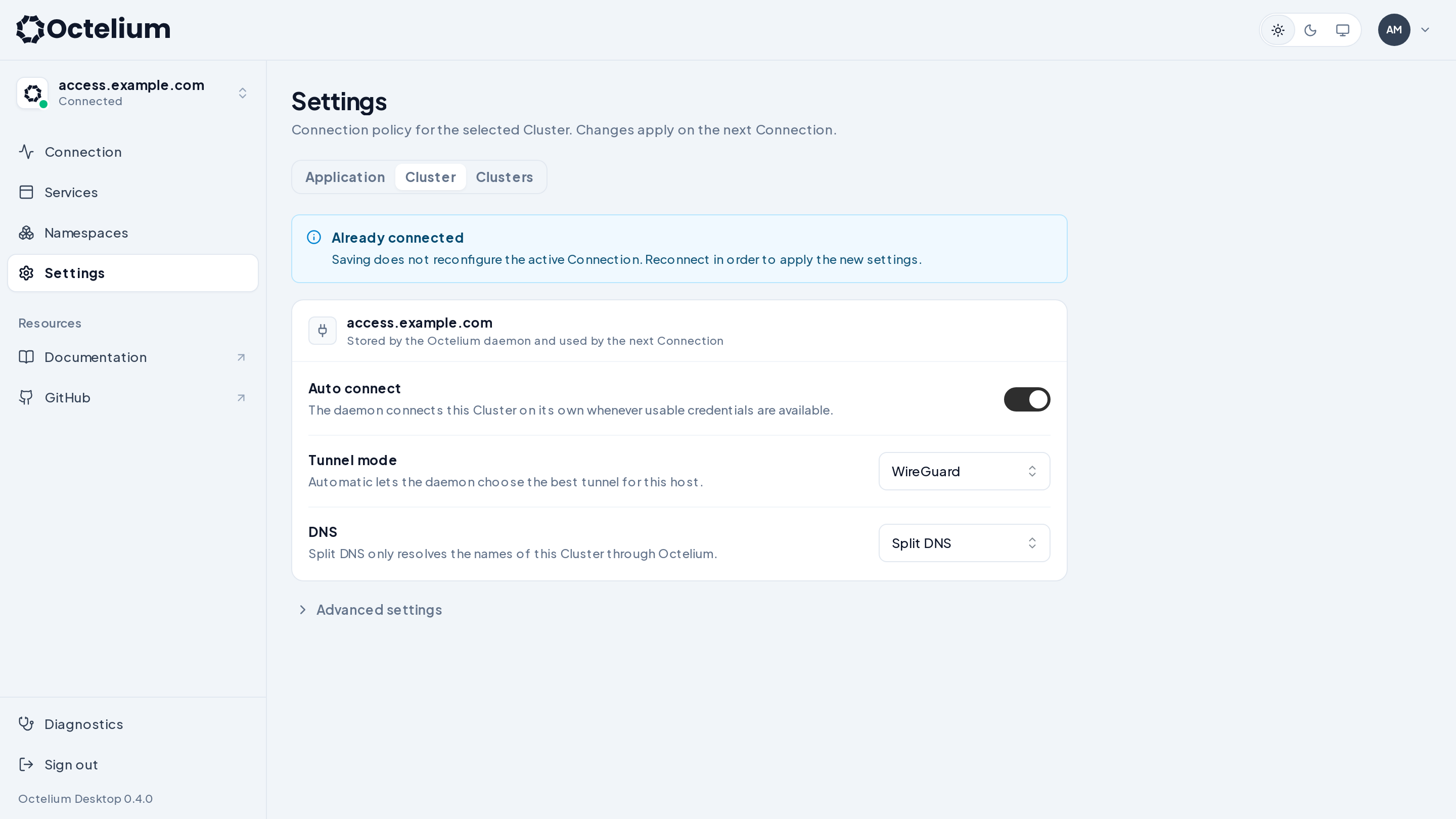
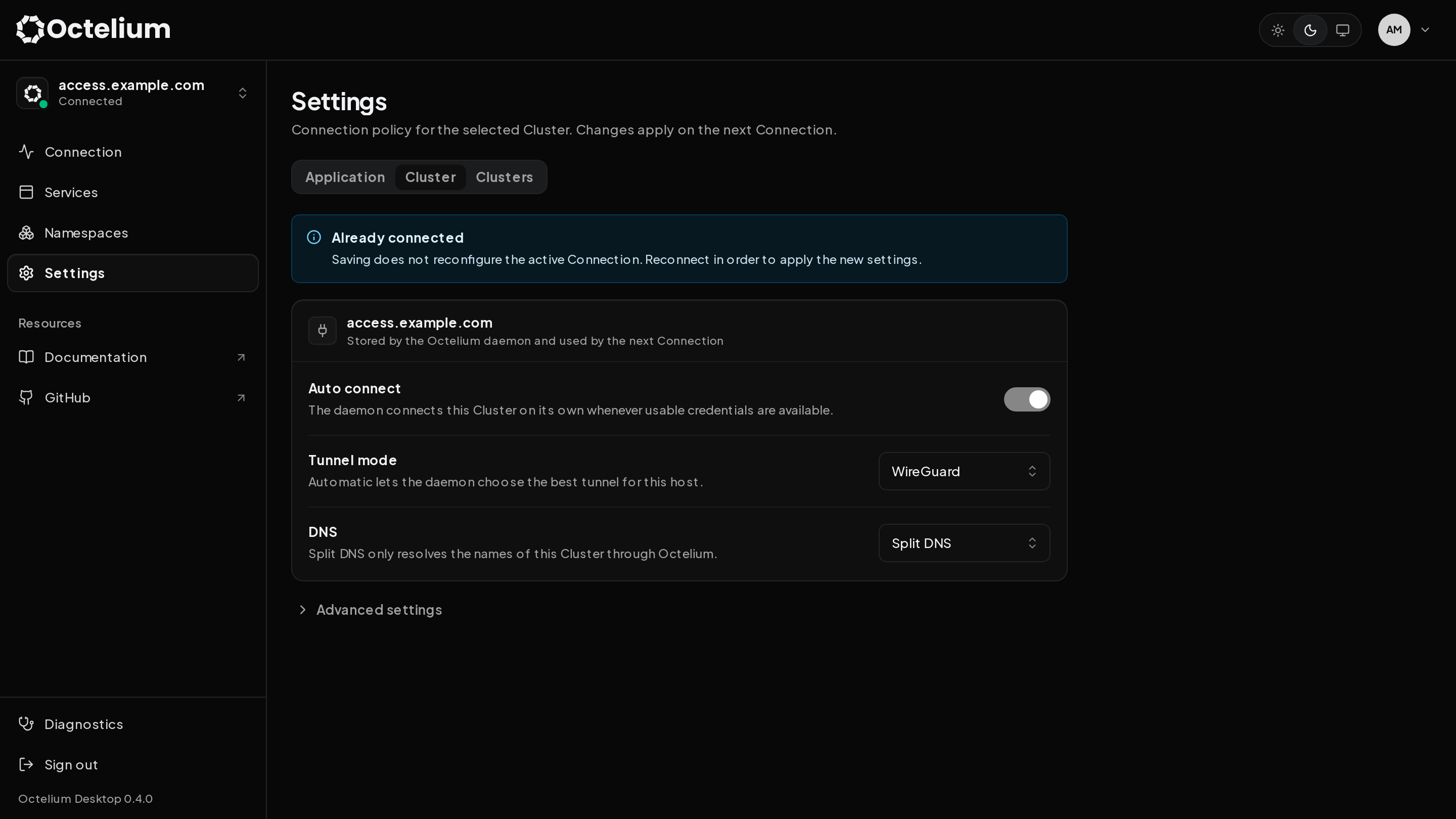
The Octelium desktop application provides a graphical application equivalent to the octelium CLI to enable Users to log in and connect to Clusters, manage their connections and discover the available Services and Namespaces. It is available for Linux, macOS and Windows. Download the installer from the GitHub releases.
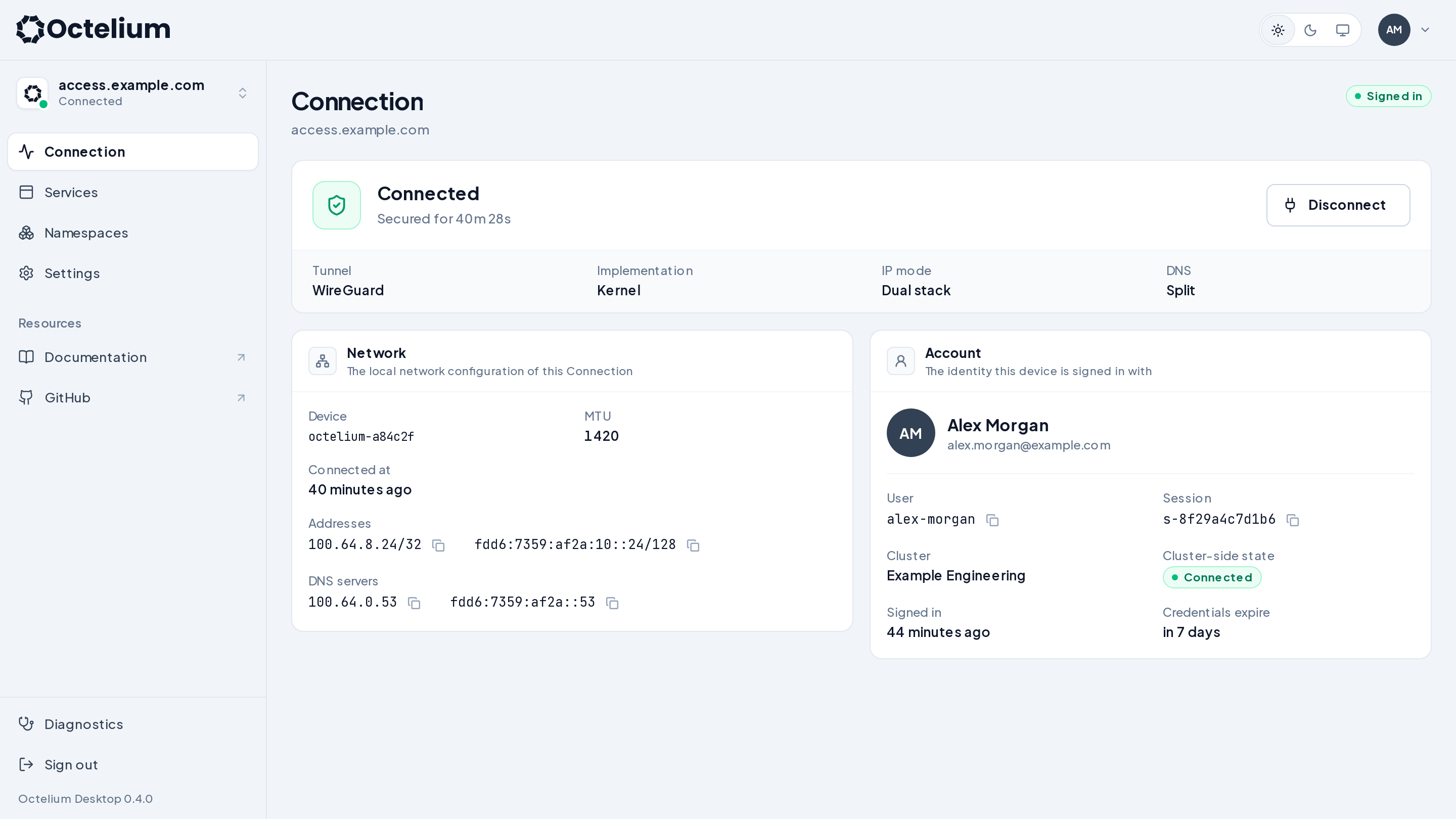
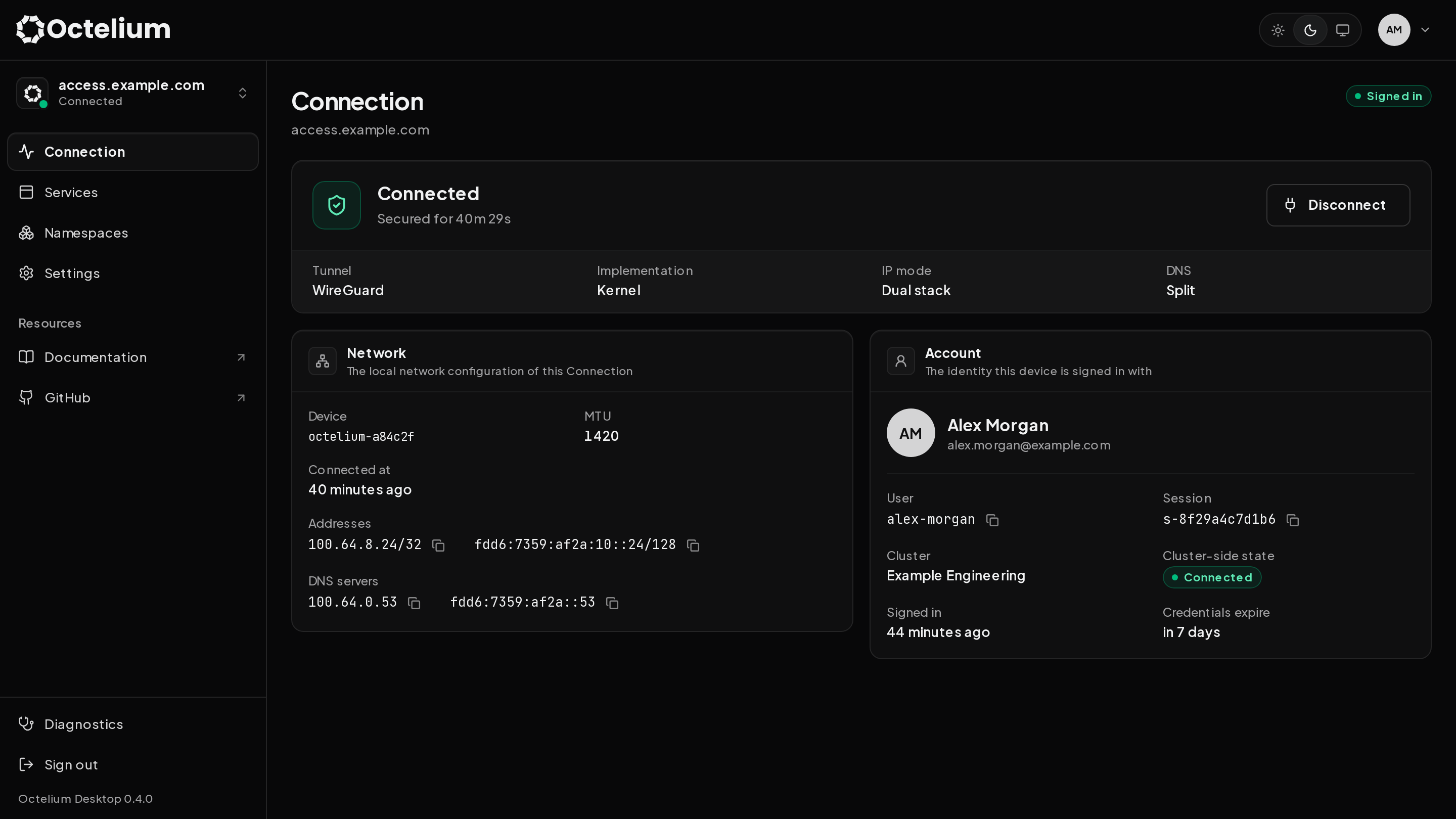
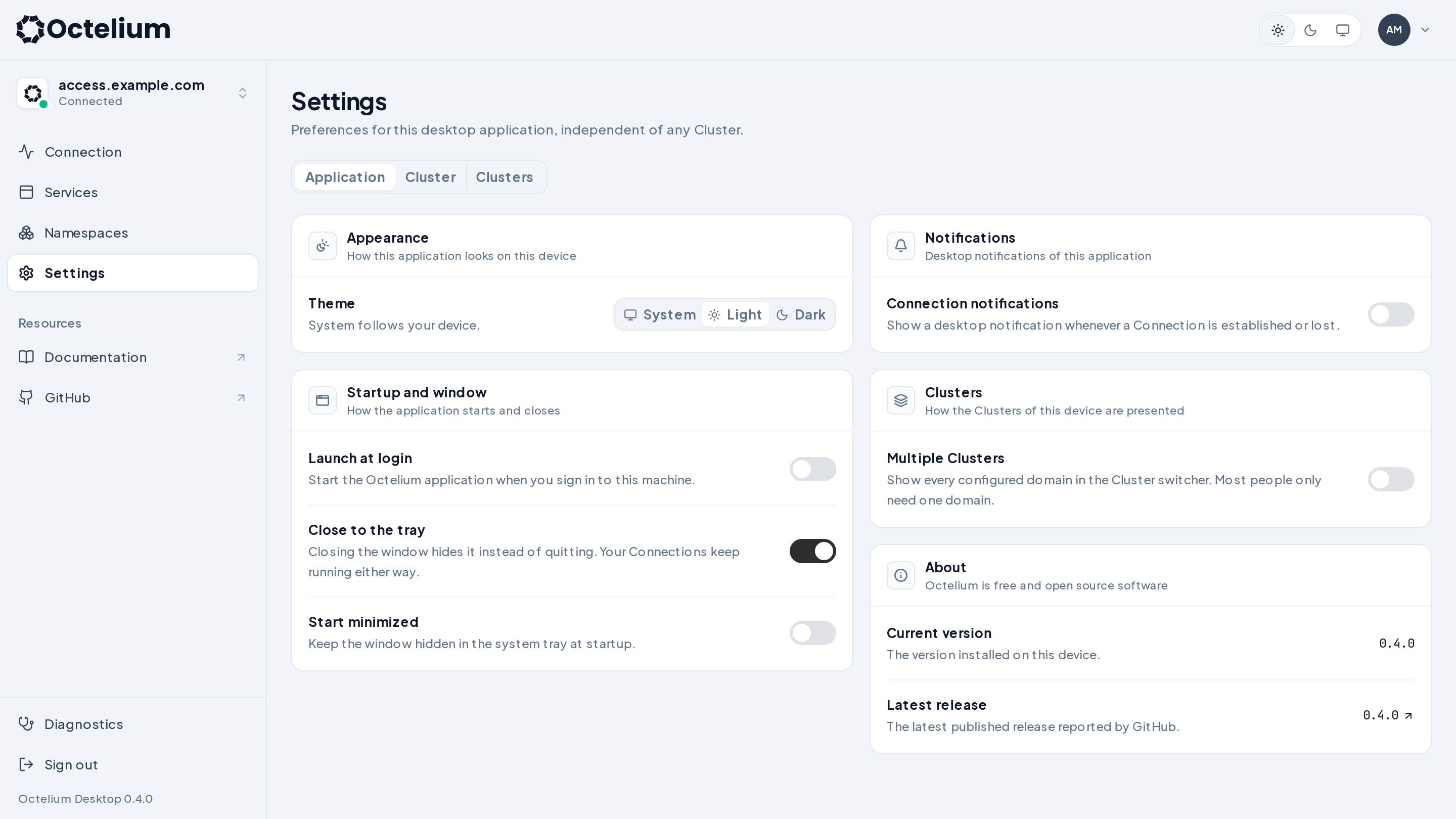
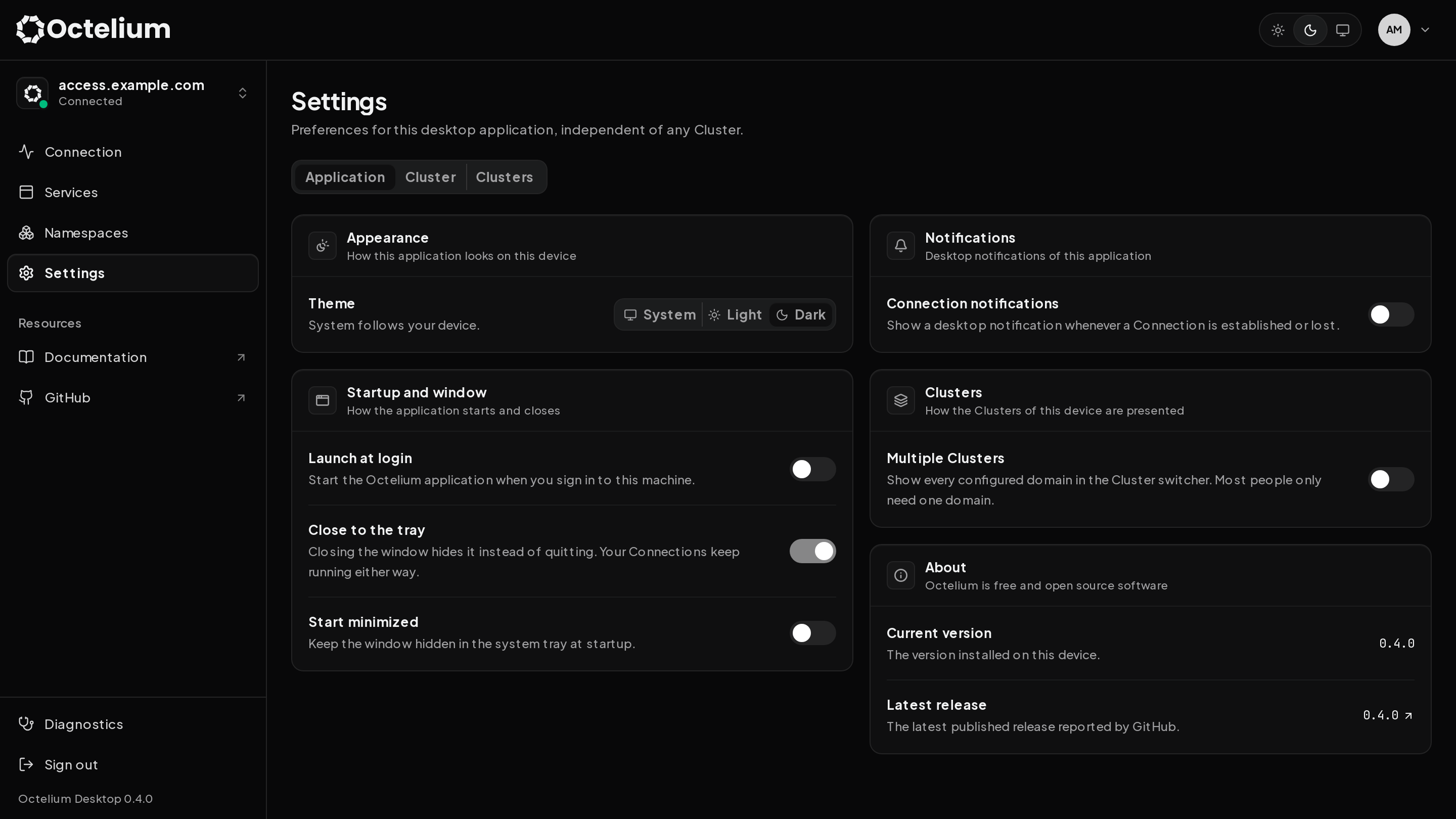
Logging in
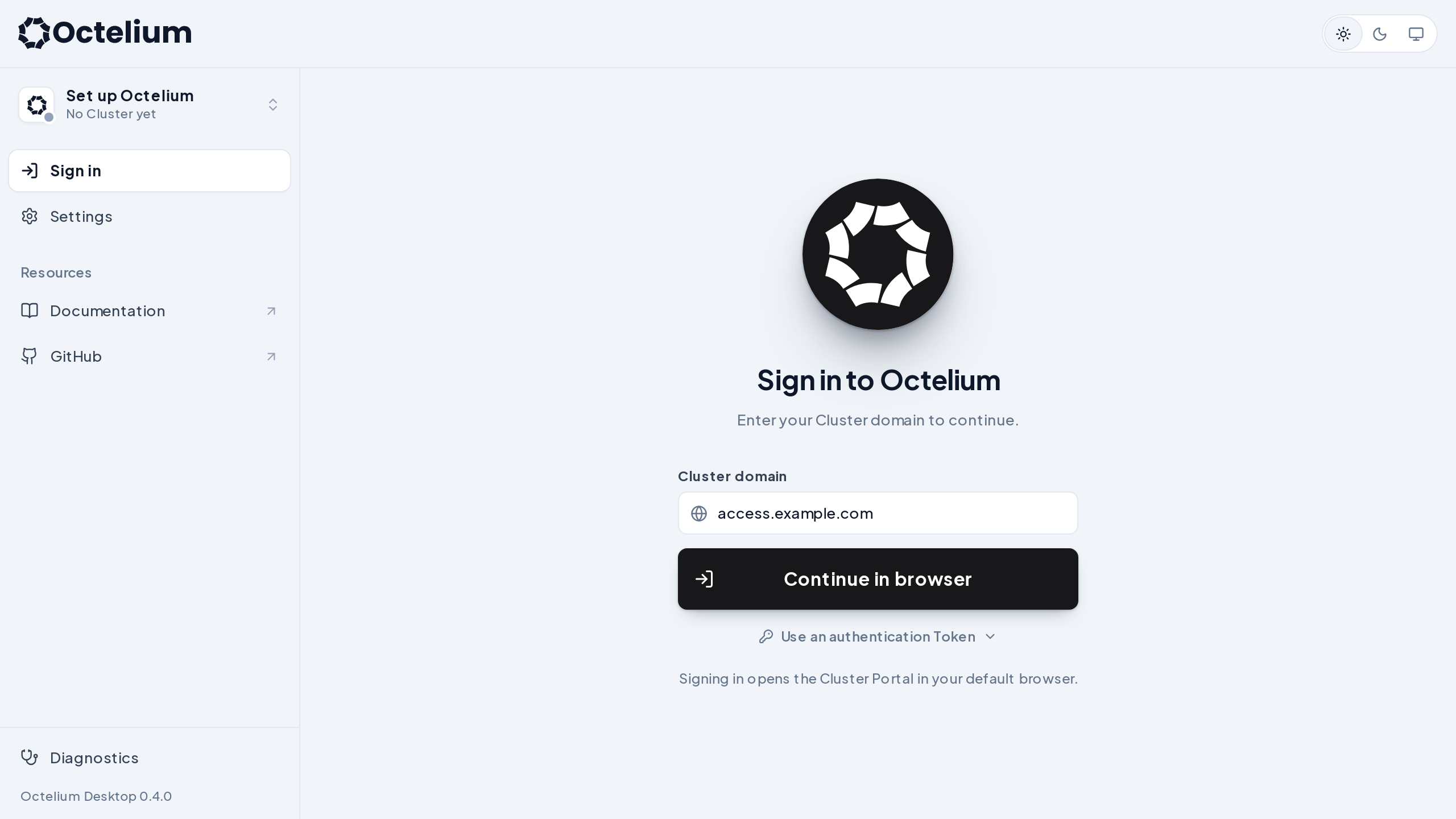
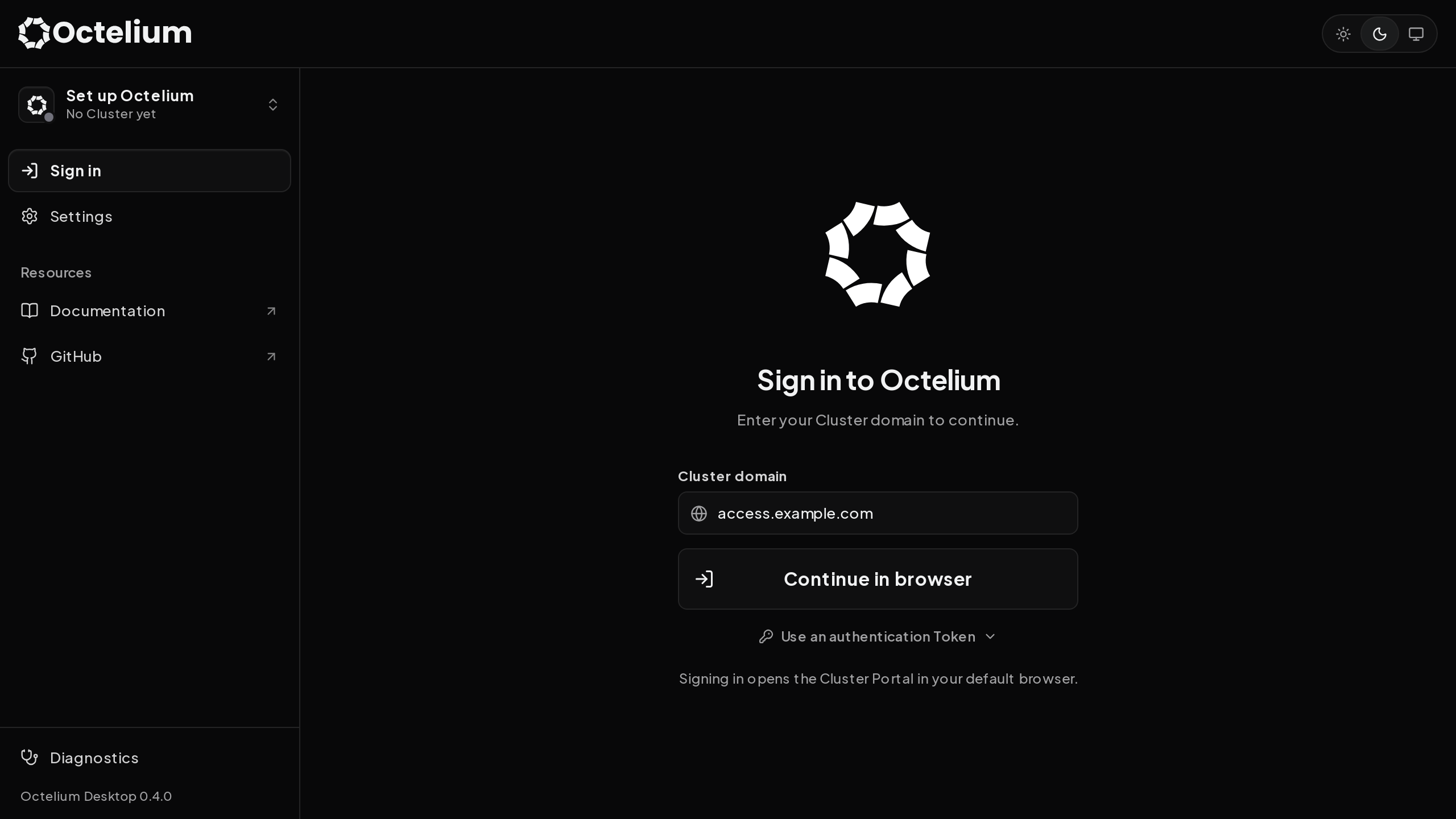
Open the application, enter your Cluster domain (e.g. access.example.com) and click Continue in browser. This opens your browser where you can authenticate via the Cluster's identity providers or a passkey (read more here). Once authenticated, return to the desktop application.
You can also expand Use an authentication Token and sign in using an authentication token Credential (read more here).
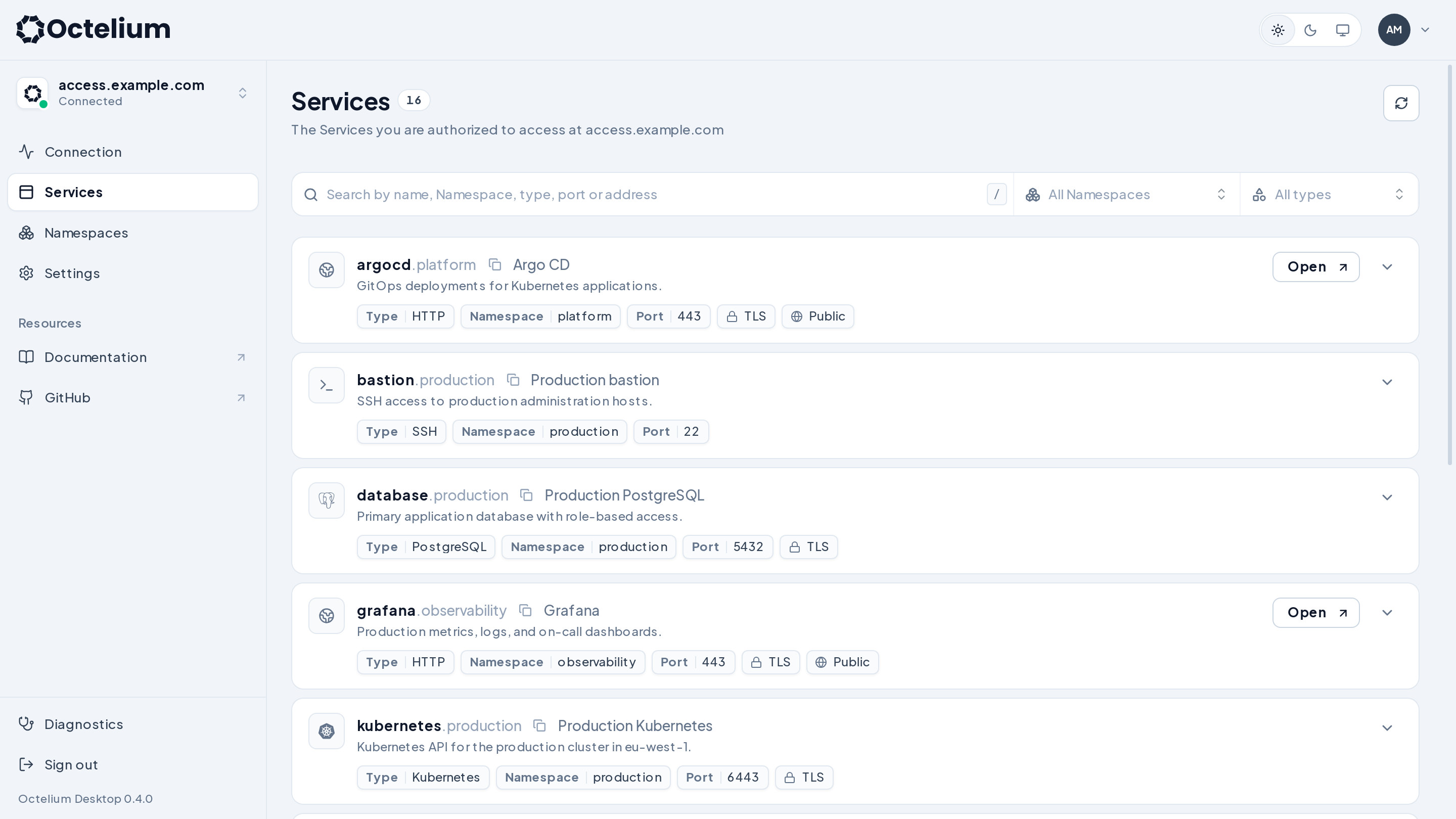
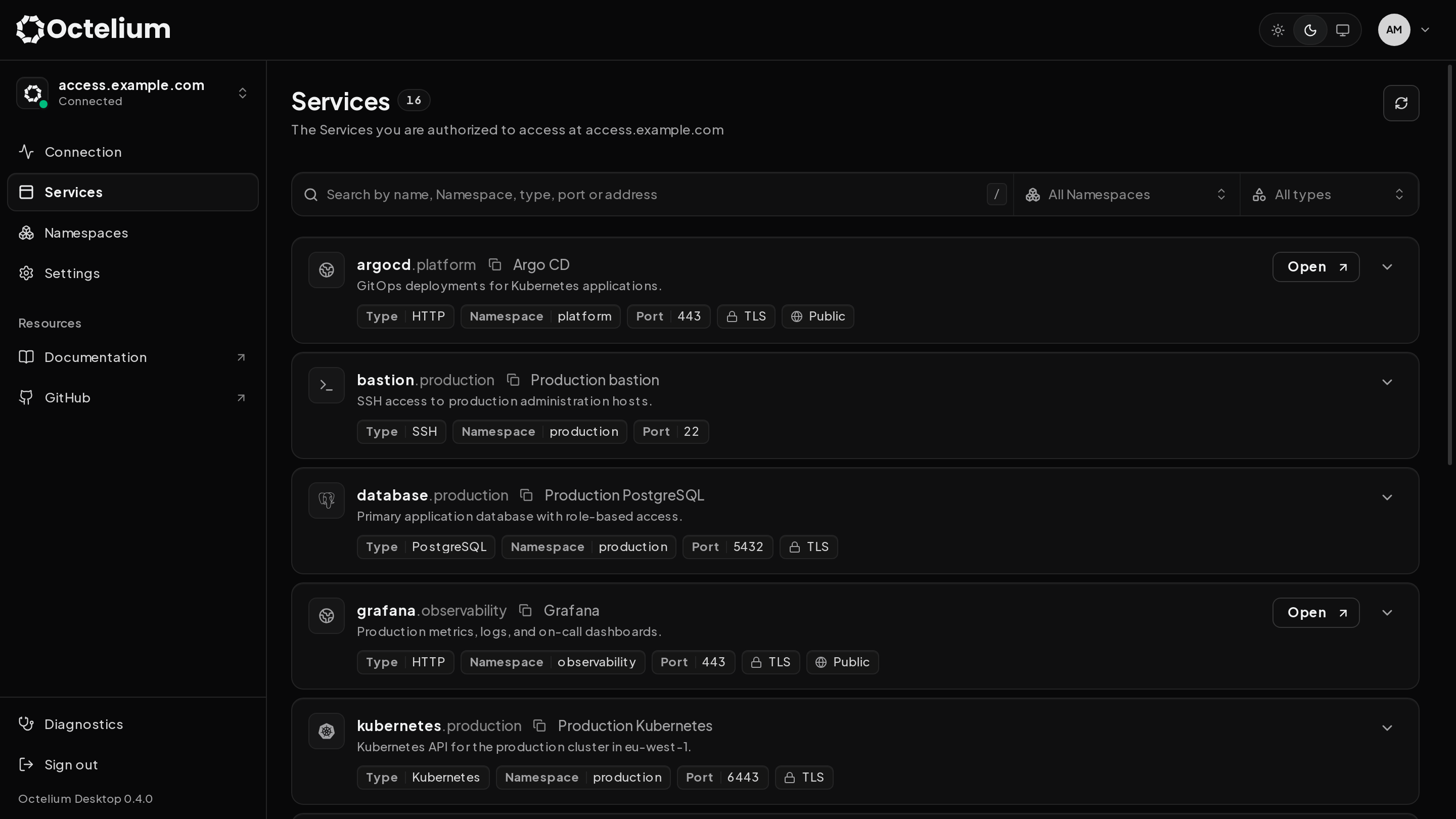
Services
Once connected, you can access the Cluster's Services. Here are a couple of examples for SSH and PostgreSQL Services shown above from your terminal:
The Open button opens a Service's public URL in your browser when it is available. You can read more about accessing Services here.