
Octelium documentation · Latest
Enterprise
Overview
Octelium Enterprise is meant to help teams and teams and enterprises seamlessly manage and operate Octelium Clusters at scale. Octelium Enterprise can be used for free for personal, non-commercial and non-professional use (e.g. homelabs) and internal, non-production evaluation by organizations. Production and commercial use require a commercial license from Octelium Labs. You can contact us here.
Main Features
Octelium Enterprise includes various featues, most notably:
Web-based management console The web console helps teams manage and monitor Octelium Clusters in a centralized and scalable way and have clear visibility in real-time. It includes various features among which: an AI assistant, browser terminals for connecting to Services over remote sandboxes, visual Policy builders and testers, and LLM and MCP playgrounds.
console.octelium.example.comJust-in-time access Users request temporary access to Services or Catalogs from a web-based access portal. Access Policies automatically approve, deny or require multi-step reviews of requests, and approved access expires automatically. Slack, Jira and webhook integrations let your team receive and review requests from their existing tools.
access.octelium.example.com/user/newCentralized logs, metrics and SSH recordings Real-time, centralized visibility in the web console for all logs (e.g. activity and access logs, logins and authentication logs, resource changes and audit logs, as well as component logs) and metrics, full SSH session replays, and dashboards for component health and LLM usage by model, User or Service.
console.octelium.example.com/visibility/accesslogsSIEM integration Export all the Cluster logs and metrics in real-time to your existing SIEM providers (e.g. Splunk, Datadog, Elasticsearch and Grafana Cloud) with pipelines exporting to multiple providers concurrently.
SCIM provisioning and directory synchronization Automatically provision and synchronize Users and Groups via SCIM 2.0 (e.g. Microsoft Entra ID and Okta), as well as via Google Workspace and Keycloak with support for multiple, concurrent directory providers.
Secret encryption at rest Encrypt all the Cluster's Secrets at rest using external key management systems, with support for HashiCorp Vault, AWS KMS, Google Cloud KMS and Azure Key Vault (read more here).
Automatic TLS certificates and public DNS Automatically issue and renew TLS certificates via ACME (e.g. Let's Encrypt) with your public DNS providers via DNS-01 challenges, and manage public DNS records for Services through providers such as Cloudflare and AWS Route 53.
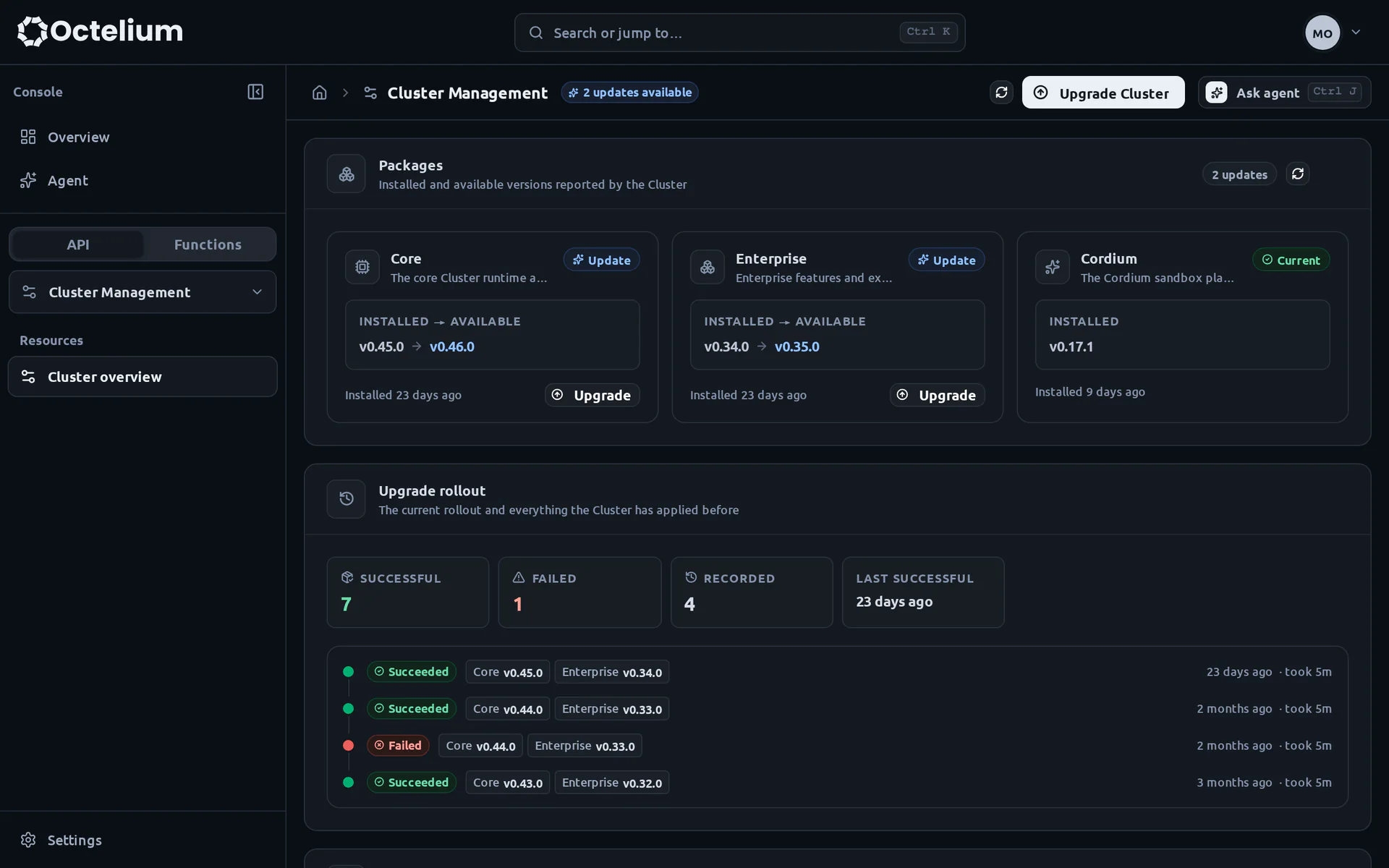
Managed upgrades and scaling Upgrade the Cluster from the web console and track upgrade rollouts. Multi-region Clusters spanning multiple Kubernetes clusters across regions and clouds are also available.
console.octelium.example.com/clusterman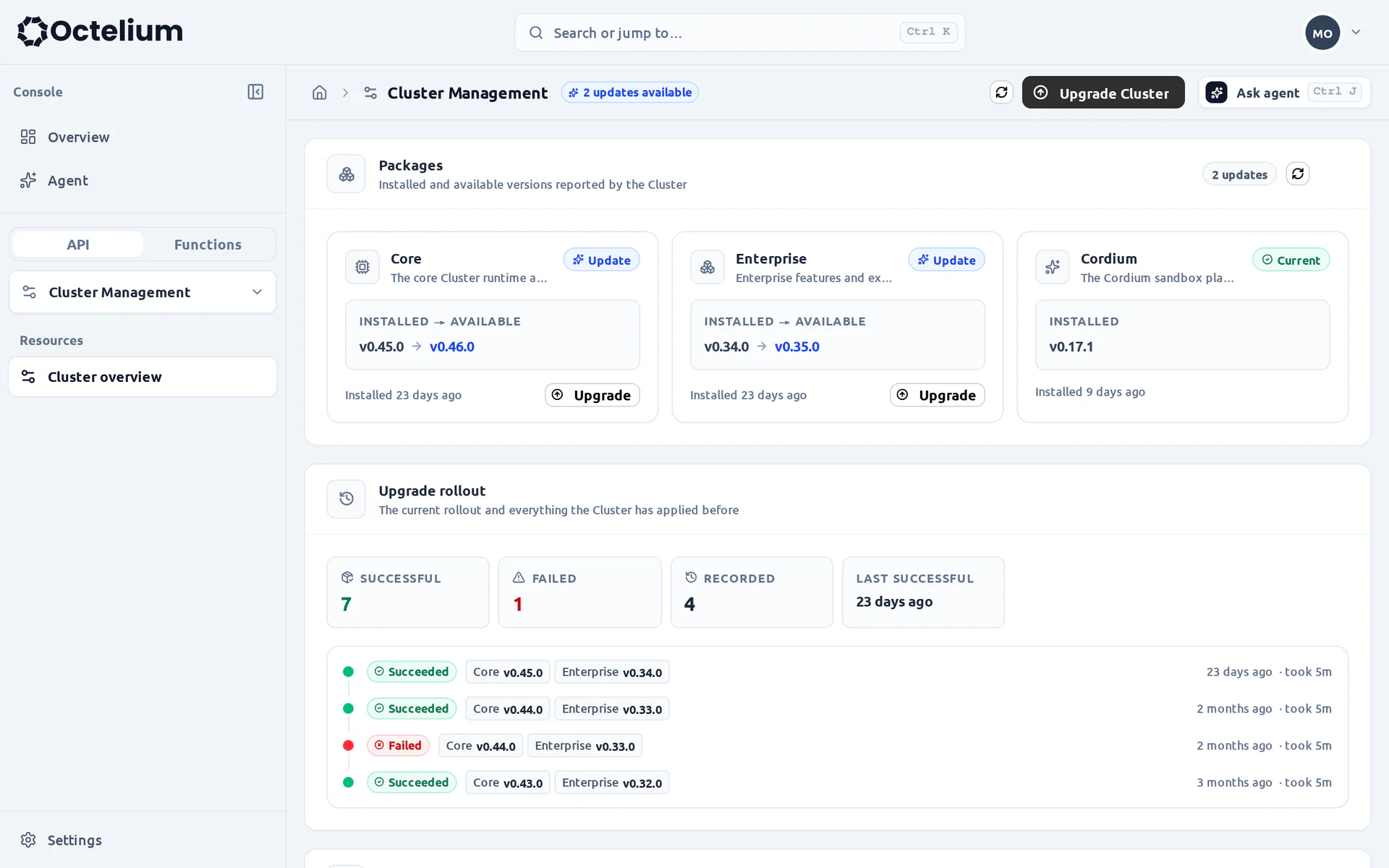
Premium support and commercial licensing Get support via a dedicated private Slack channel, help with production deployments and compliance, and input into the roadmap. The enterprise offering also includes a commercial alternative license for the open source Cluster components.
Installation
You can read about installing and upgrading the enterprise package here. For Cluster installed via the quick installation guide (see here), you only need to add the --enterprise flag to the installation script.